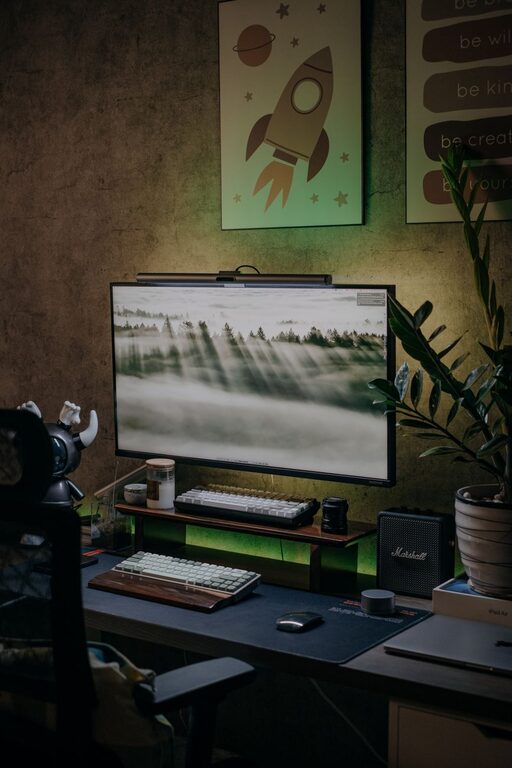
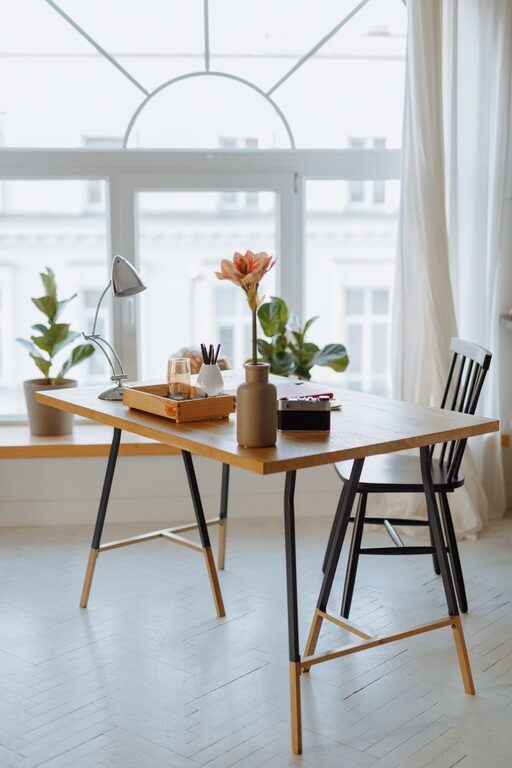
Creating a cozy and functional home workspace is essential for anyone who works or studies from home. A well-designed area can boost your productivity, reduce stress, and make your workday more enjoyable. Whether you have a dedicated room or just a corner of your living space, thoughtful planning can make all the difference.
Why a Cozy and Functional Workspace Matters
Your environment has a big impact on how you work. A space that feels inviting but is also organized can help you focus better and feel more motivated. When your workspace reflects your personal style and needs, it encourages consistent use and helps maintain a healthy work-life balance.
—
Choosing the Right Location
Consider natural light: Whenever possible, position your desk near a window. Natural light improves mood and reduces eye strain.
Minimize distractions: Pick a quiet spot away from heavy foot traffic or noisy appliances.
Think about space: Even a small nook can be turned into a productive workspace if arranged cleverly.
—
Essential Furniture and Layout
Comfortable chair: Invest in an ergonomic chair that supports good posture to keep discomfort at bay during long hours.
Desk size: Choose a desk that fits your work essentials without feeling cramped. Remember to leave some space for writing or rearranging items.
Storage solutions: Shelves, drawers, or filing cabinets help keep your workspace clutter-free.
Layout tips: Position your desk so you can easily reach all your tools. Allow enough room for movement to avoid feeling boxed in.
—
Lighting Your Workspace
Task lighting: Use a desk lamp with adjustable brightness to focus light where you need it most.
Ambient lighting: Balance bright overhead lights with softer, warmer lamps to create a cozy atmosphere.
Screen positioning: Arrange your computer and lighting to minimize glare on your screen.
—
Personalizing Your Space
Add plants: Greenery can improve air quality and add a calming effect.
Decorate tastefully: Use artwork, photos, or inspirational quotes to make the space feel inviting.
Use color wisely: Soft, neutral tones generally promote calmness, while pops of color can add energy.
—
Organizing for Efficiency
Declutter regularly: Keep only necessary items on your desk.
Use organizers: Desk trays, pen holders, and cable management tools help keep everything in place.
Digital organization: Use apps or folders to keep your computer desktop tidy and your files easy to find.
—
Incorporating Comfort Elements
Soft textiles: Consider a small cushion for your chair or a cozy throw blanket.
Temperature control: A small fan or heater can keep the area comfortable regardless of the season.
Break area: If possible, create a nearby spot for short breaks to refresh your mind.
—
Managing Noise and Distractions
Headphones: Use noise-canceling headphones or play ambient sounds to stay focused.
Clear boundaries: Inform household members of your work hours to minimize interruptions.
—
Technology Setup
Reliable internet: Ensure your Wi-Fi is strong and stable for calls and large file transfers.
Charging station: Keep devices powered without tangled cables.
Multiple monitors: If your work requires, use additional screens to increase productivity.
—
Maintaining Work-Life Balance
A cozy workspace encourages you to stick to your routine, but it’s also important to step away regularly. Set clear start and end times, and avoid working in bed or other non-dedicated areas to keep work and rest separate.
—
Final Thoughts
Designing a home workspace doesn’t have to be complicated or expensive. Focus on balancing comfort with practicality, and tailor your space to fit your personal work style. With these tips, you’ll be able to create a cozy and productive area that supports your goals and well-being every day.
About the Author